Influencer performance scattered across 5 platforms, condensed into one advertiser report
A Python desktop app another vendor started and stopped was rebuilt as a Chrome extension that runs inside the browser where the user is already logged in. All five platforms, where no values had been captured, opened up.
Platforms collecting correctly
Before
1 of 5
After
5 platforms
Background
The request came in with something already built once. The previous vendor had delivered a Windows-only desktop program, and what the client sent over, organized, was not a review but a defect list. Only one of the five platforms was marked “no issues”.
What we saw in the field
Reading the defect list as per-platform bugs gives more than ten things to fix. But laid out side by side, the blocked points were almost all the same place.
- One was “post access blocked by Cloudflare verification”
- One had the post body, comments, and thumbnails not captured at all
- One had comment authors marked
@userinstead of their actual names
The previous program was built in Python and launched a separate browser, then accessed the platforms without logging in. When the platforms judged that browser not to be a person, whatever the code after that did, it received empty values. It was not a bug — it was a problem of the access approach.
The problem we defined
Instead of fixing the collector, we decided to move where it runs. The client was already logged in to each platform with their own account. If it was a Chrome extension running inside that browser, there was nothing new to authenticate — it reads the screen the person is already looking at.
Since it was a decision to drop the Python desktop app and build from scratch, we explained first why we were not patching onto it before starting.
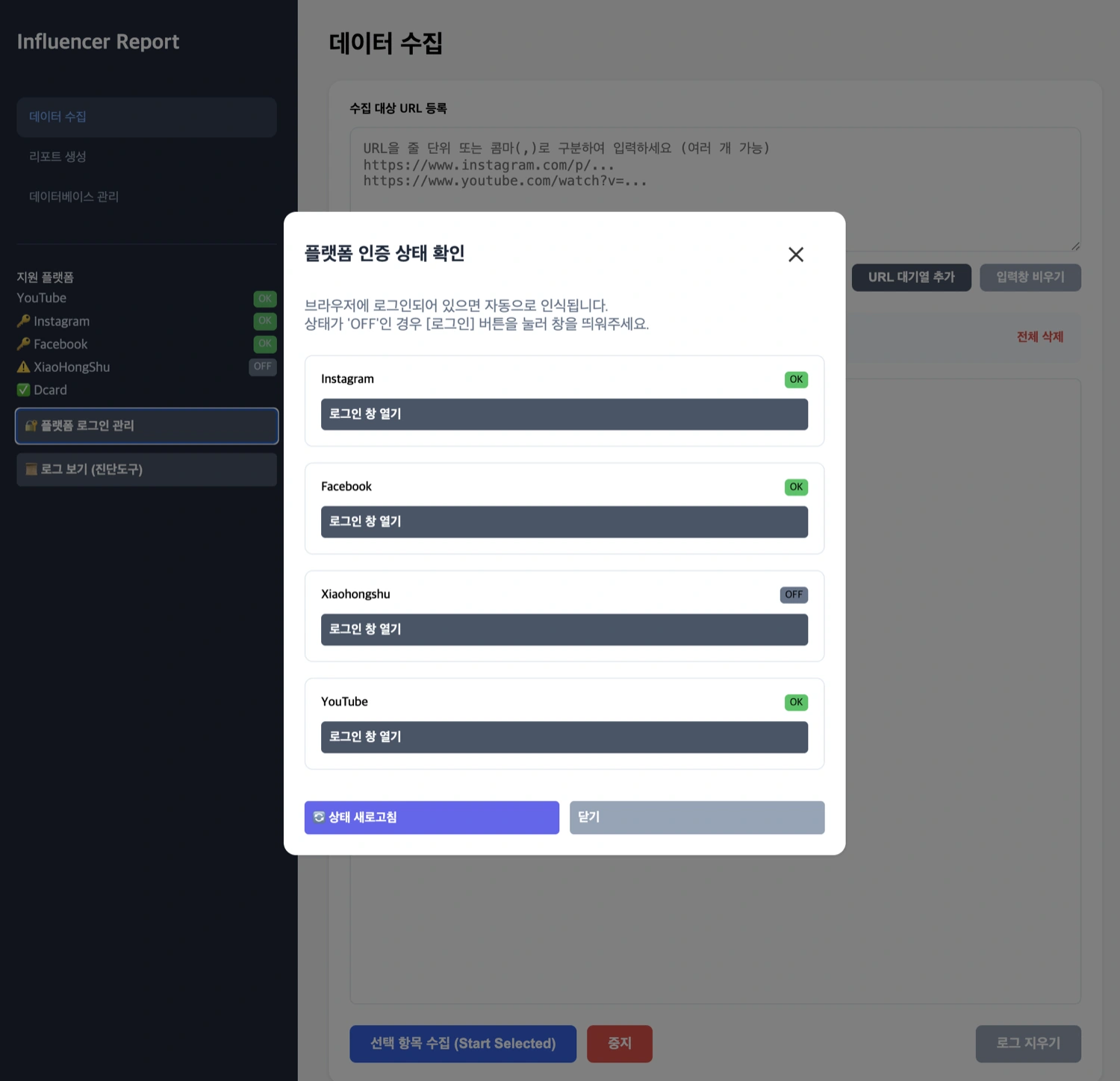
The extension does not create new authentication. It reads the logged-in state the person in charge has already set up, and only marks the platforms whose login has expired, guiding them to log in directly.
What we built
- Collector for 5 platforms — 3 used domestically and 2 in Chinese-speaking regions. Each had a different authentication method and data shape, so each was built separately. Instead of the screen structure, it references the internal data the page already holds. One of them had no official channel and its screen layout changed frequently. It finds values even when the layout changes — because it reads the values that screen already holds, not its appearance
- Database inside the browser — the collected material stays in the person in charge’s browser. There is no server, so advertiser data never leaves
- Multiple posts by the same author — the previous program let later-collected data overwrite earlier data. Changed to key on each post’s unique identifier, so it accumulates post by post
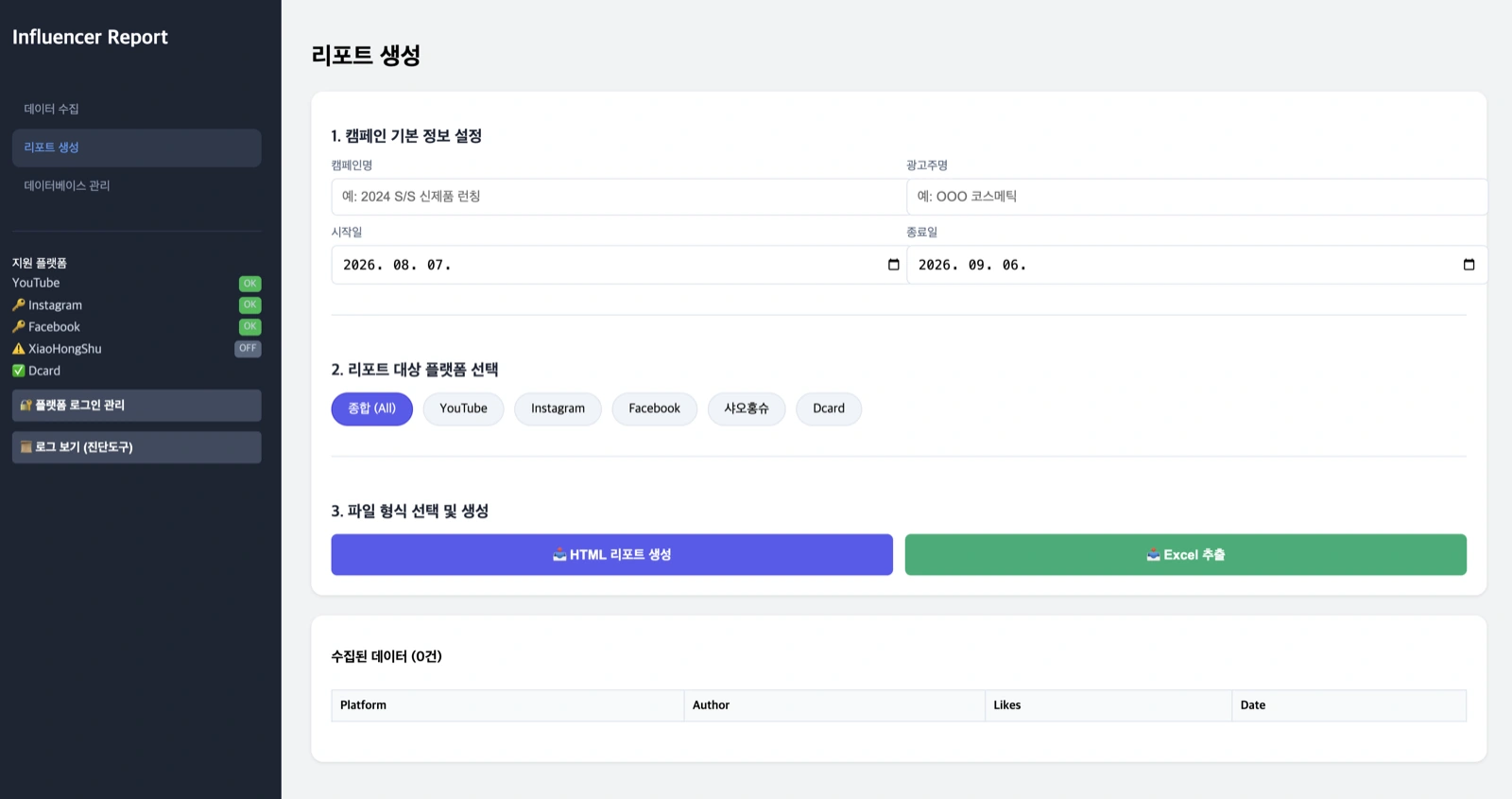
- Report for advertiser submission — per-platform aggregates, top-performing content, and trends over time in one sheet. The client’s first item was “it’s meant for advertiser reporting but feels very shabby”
- Excel export — exports to Excel files instead of the CSV that kept breaking
- Collection time recorded alongside — metrics of the same post are kept per point in time. Values that cannot be known from a single check, like the reaction speed right after posting, can be reviewed later
Result
The one platform that worked in the defect list became five. We left a verification record checking comment collection on all five platforms item by item (2026-02-08).
Other work done the same way is collected under web data collection.
Other work on the same topic is collected under data analysis.
Sources
Korean expert platform verified transaction review (Jeong OO)