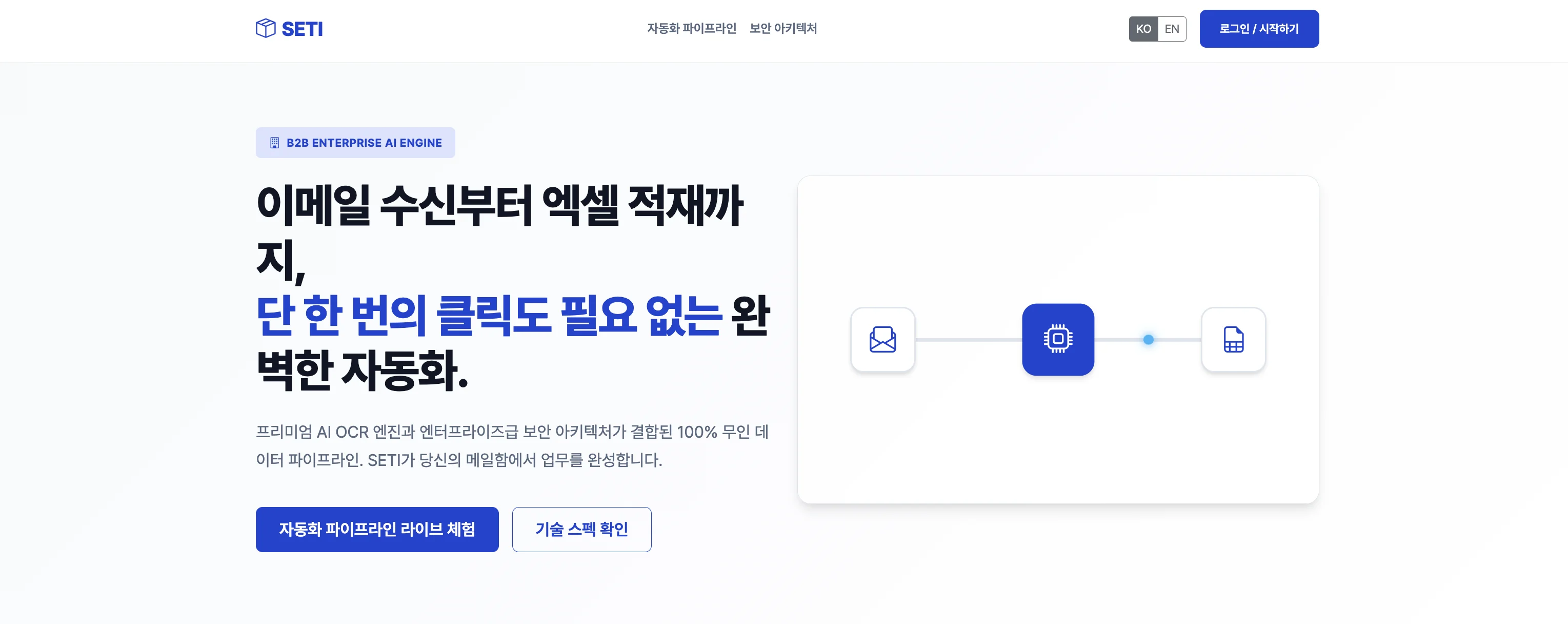
A document that arrives by email becomes a row in Excel, with no human hand
It watches the inbox, reads the text out of attached PDFs and images, and an AI splits that text into fields and delivers it to Excel. The form is defined by whoever sends it.
Service in operation
Before
Deployed 2026.01
After
Pilot service · running free of charge
Background
Quotes and receipts sent by business partners mostly arrive as email attachments — PDFs or photos. To get them into the company books, someone has to open them and copy the numbers over.
There are plenty of tools that offer an upload screen. But uploading is still a person gathering up and submitting files. The files are already sitting in the inbox, and one more step gets added.
The problem we defined
The problem was removing the places that need a human hand.
Getting reading accuracy higher alone is not enough. No matter how well it reads, as long as someone still has to find and upload the file, that task remains a human one.
What we built
- It watches the inbox — it picks up the attachments that land in the inbox on its own. No one uploads anything
- OCR reads the text — PDF or photo, scan or phone snapshot, it extracts the text written inside. The targets are documents with a fixed form, like quotes and receipts
- AI turns that text into fields — what OCR produces is a blob of text, not a table. An AI tells where an item ends, where amounts begin, and which line is the total. Documents whose forms differ from one another get laid into the same columns right here
- The sender defines the form — every company keeps its books in a different shape. It does not ask anyone to fit our form; it exports to Excel in the sender’s form
- A route for places that cannot use email — when email integration is hard, such as inside a security network or out at a site, the same pipeline is fed through another path
- No originals are kept — once the data has been pulled out, the files that came in are destroyed. Not piling other people’s quotes up on our server comes first
- Ready for when things pile up — reading takes a long time. Instead of processing on arrival, it handles items one at a time, in the order they came in. One stuck item does not stop the rest
Results
When an email arrives, rows accumulate without anyone doing a thing.
It is open free of charge right now because it is in pilot service.
Other products we have built and operate ourselves are collected under own products.
Sources
Screen of the service in operation and repository history